AI photo tools
These tools use neural networks running on our own GPU server to change what is in a picture: cutting out a subject, adding resolution, repairing damage, adding colour or erasing something that should not be there. You upload a PNG, JPG or WebP of up to 10 MB, the job waits in a short queue, and the result comes back on the same page.
The models predict missing detail, so results are plausible rather than exact, and they work best on clear, well lit sources. Your file and the result are deleted automatically after 24 hours, or immediately with the Delete now button, and we do not use uploads to train models.

Popular uses
How to pick the right tool
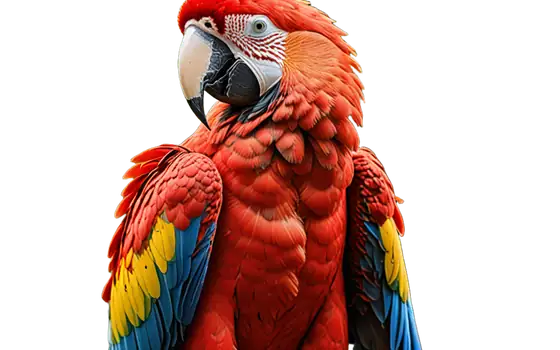
Cuts out the subject and returns a transparent PNG, or places it on white or a colour. Use HD quality for hair, fur and fine edges.
Enlarges 2x or 4x. Pick the smallest scale that reaches your target size; 4x on an already large photo is slow and can exaggerate noise.
Restore old photos reduces blur and noise and rebuilds faces. Colorize photo adds colour to black and white pictures. Restore can also colourise in the same run, so use Colorize on its own when the photo is already sharp.
Paint over what you want gone and the AI fills in the background. It works best on small objects against simple surroundings.
Finds text in the picture and erases it automatically, which is faster than brushing letter by letter. Only remove text from images you own or have the right to edit.
Frequently asked questions
Why is there a queue?
All AI tools share one GPU server. When several people submit at once, jobs wait their turn; the status line shows whether your job is queued or processing.
Is the output watermarked?
No. Results have no watermark and there is no account to create.
What are the file limits?
PNG, JPG or WebP up to 10 MB per image. Some tools also limit the output size, and they tell you before the job runs when an image is too large.
Can I try the same photo with different settings?
Yes. Press Start over and submit again with another option. Each run is a separate job.