Free AI tools that work in your browser
Remove backgrounds, enlarge photos, read text from images and turn pictures into Word documents. No account, no watermark, and your files are deleted automatically after 24 hours.
- No watermark
- Files deleted after 24h
- No account


 Subtitle generator
The light keeps burning, even when the storm comes in.
Subtitle generator
The light keeps burning, even when the storm comes in.


- Runs on our own GPUFast, consistent quality
- Private: auto-delete in 24hNo content logging
- No watermarkNo account needed
- 29 free toolsImages, audio and documents
Real results
See what the AI does
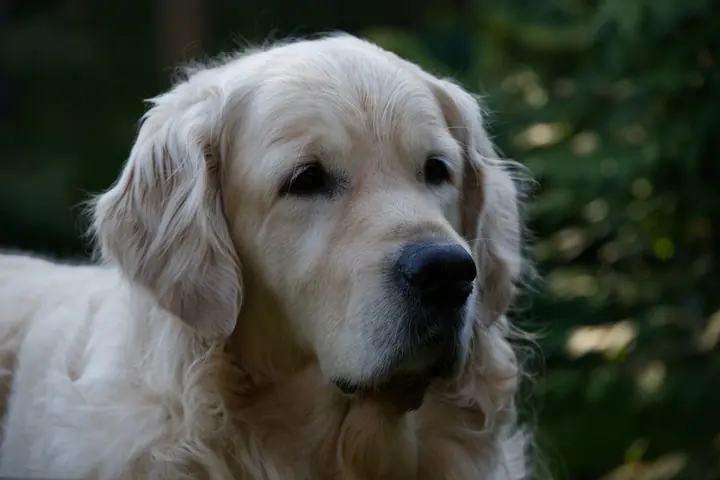
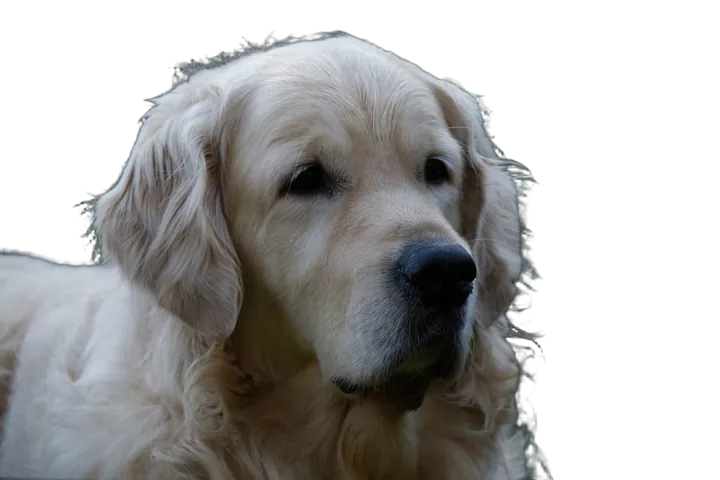
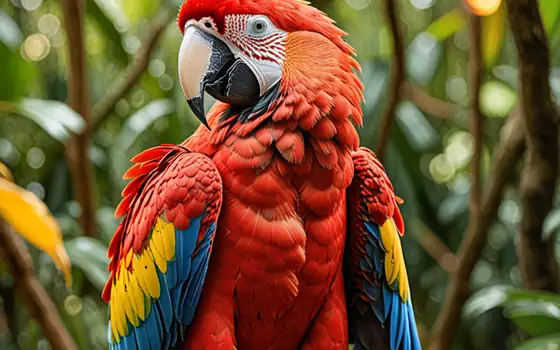
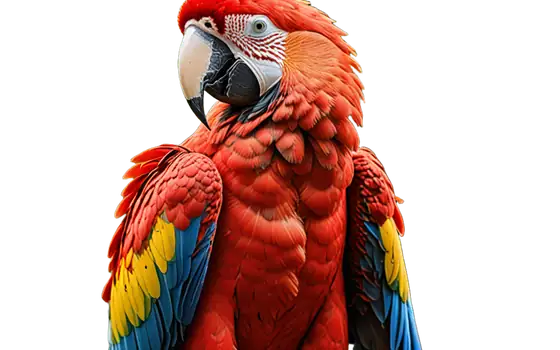
Unedited output from our tools. Drag the slider on each picture.


All tools
29 free tools
Pick a tool, add a file, download the result. Converters, compress, resize and blur face run in your browser.















No tool matches your search.
Use cases
What people use opnai for
E-commerce sellers
Clean product photos for a marketplace listing: cut out the background, enlarge small supplier images and shrink files so pages load fast.
Creators
Add subtitles to a video, narrate a script, or bring an old family photo back to life for a post.
Students and office work
Turn a photographed page into text or a Word file, and a recorded lecture or meeting into a transcript.
Simple by design
How opnai works
The AI tools run on our own GPU server. You upload a file, it is placed in a short queue, processed, and returned to the same page where you can preview it and download it. We do not ask you to sign up.
- 01UploadDrop in a file or pick one from your device.
- 02AI processes on GPUYour job runs on our server in a short queue.
- 03DownloadPreview the result and save it.
Privacy promise
Your files stay yours
Deleted after 24 hours
Files sent to the AI tools and their results are removed automatically after 24 hours. Delete now on every tool removes them at once.
Many tools never upload
Converters, Compress, Resize and Blur face run entirely in your browser. Those files never leave your device.
No logging, no training, no account
We do not log the content of your files or train models on them, and there is nothing to sign up for. See the privacy policy.
Frequently asked questions
Is opnai really free?
Yes. Every tool is free to use with no account, no watermark and no trial period. The site is supported by advertising, which helps pay for the servers. Ads are never placed beside the upload or download buttons.
What happens to the files I upload?
Files processed by the AI tools are stored only long enough to make the result and are deleted automatically after 24 hours. A Delete now button on each tool removes them immediately. We do not log what is inside your files and do not use them to train models.
Do all tools upload my files?
No. The converters, Compress image, Resize image and Blur face run entirely in your browser, so those files never leave your device. The AI tools (background removal, upscaling, OCR, speech recognition and the rest) run on our own GPU server and need an upload.
Do I need to create an account?
No. Open a tool, add a file and download the result. There is nothing to sign up for.
What file types and sizes are supported?
AI image tools take PNG, JPG or WebP up to 10 MB, and the text tools also accept PDF. Speech tools take audio or video up to 100 MB and 30 minutes. Each tool page lists its exact limits before you upload.
Why is my job waiting in a queue?
All AI tools share one GPU server. When several people submit at once, jobs are processed in turn. The status line on the tool shows whether your job is queued or processing.
How accurate are the results?
The models give strong results on clear, well lit sources, but they predict detail rather than reproduce it. Check transcripts, OCR text and restored faces before you rely on them.

Drop a file. Get it back better.
Pick a tool and try it with your own image or recording. It is free.